Version 1.2
Birthday messages from the family and a home screen widget
The family records video messages for a child’s birthday that open on the day, your newest moment can sit on your home screen, and new people in a family can record a first video message for the kids.
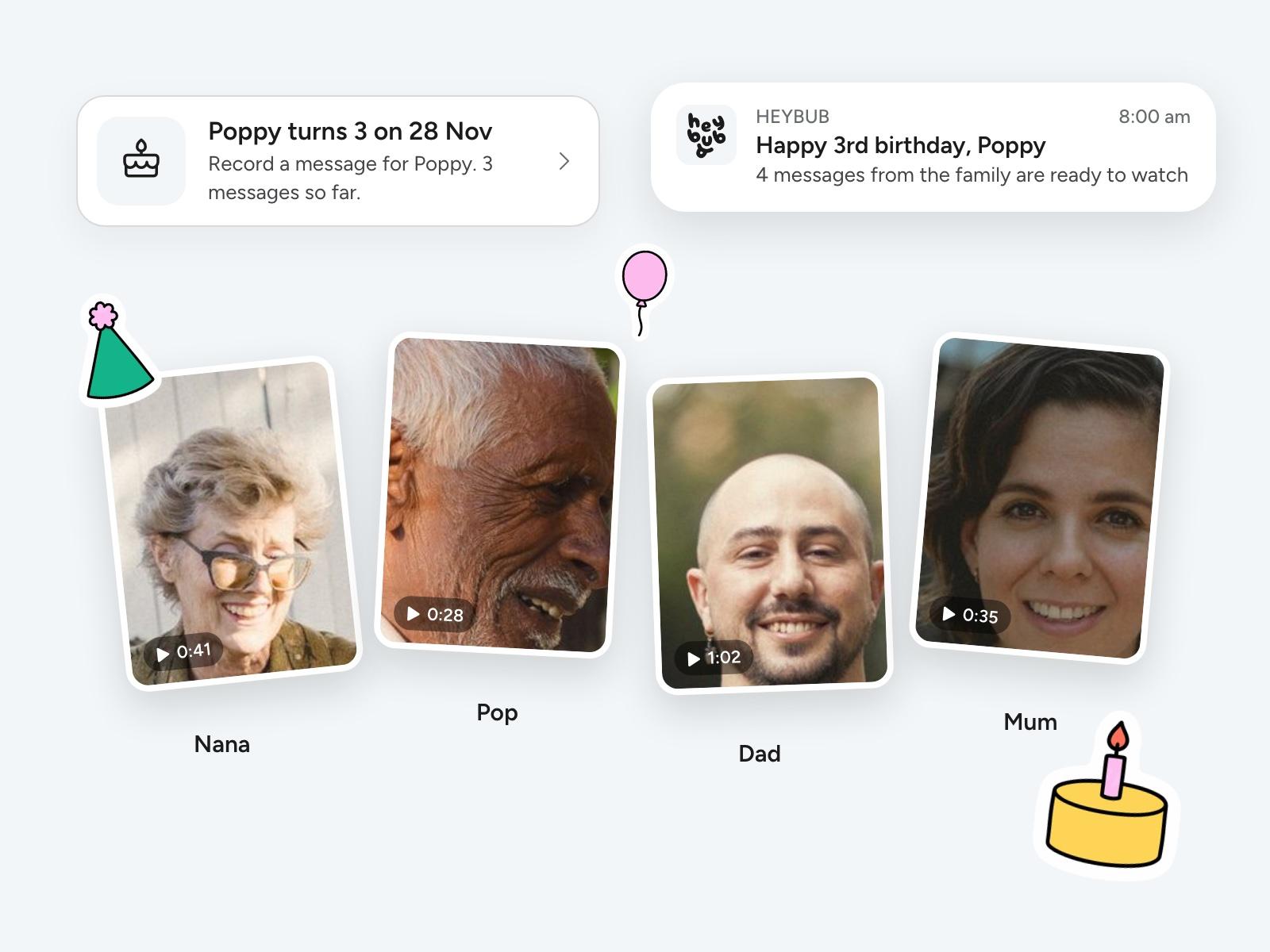
Birthday messages from the whole family
Two weeks before a child’s birthday, or any day you add in Settings › Special days, everyone in the family is asked to record a short selfie video for them. Nobody sees the others until the morning of the day, when they all open together as one moment.
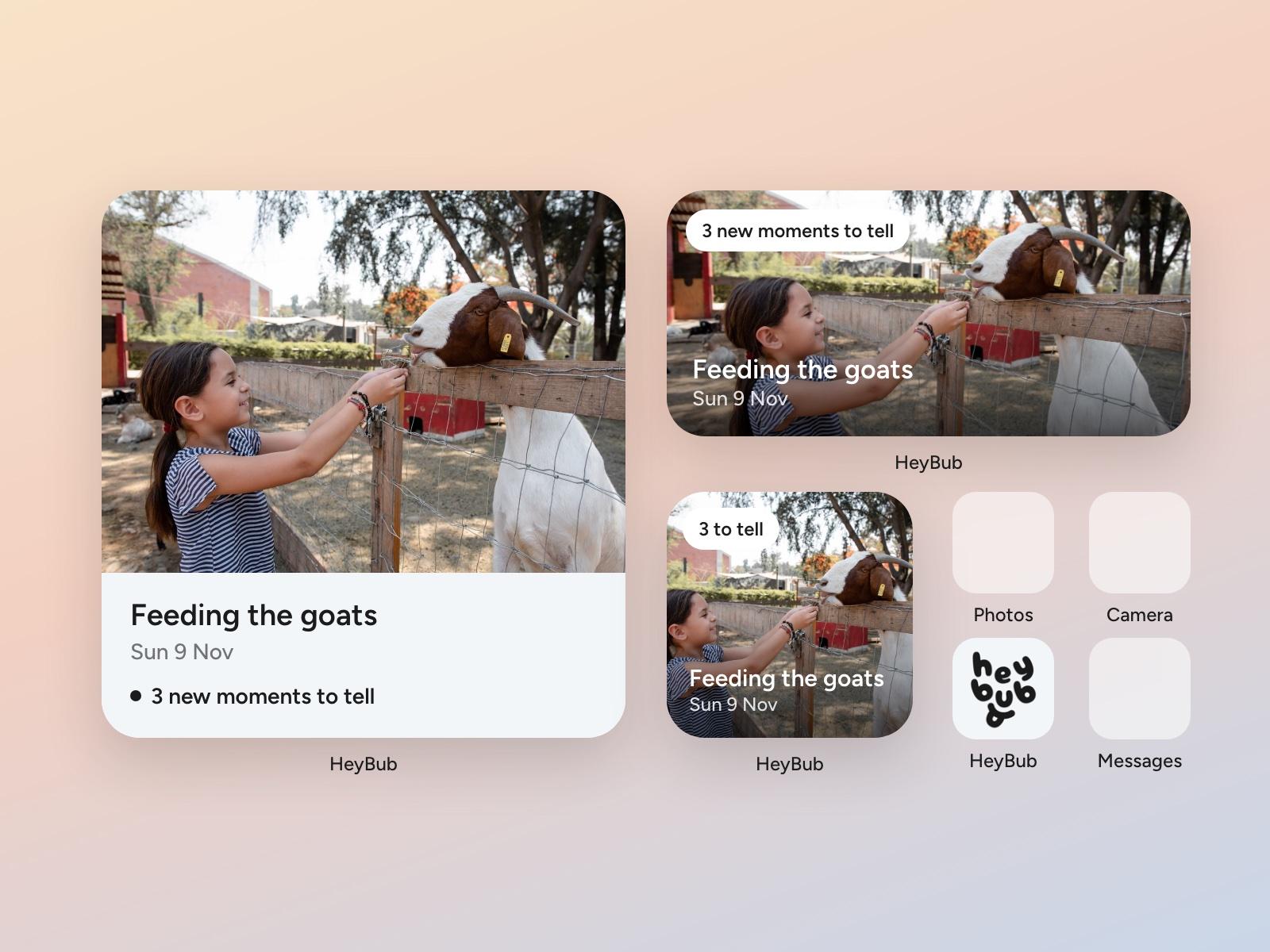
Your newest moment on your home screen
Add the HeyBub widget in small, medium or large and your family’s newest moment sits on your home screen as a big photo. Tap it to open the moment.
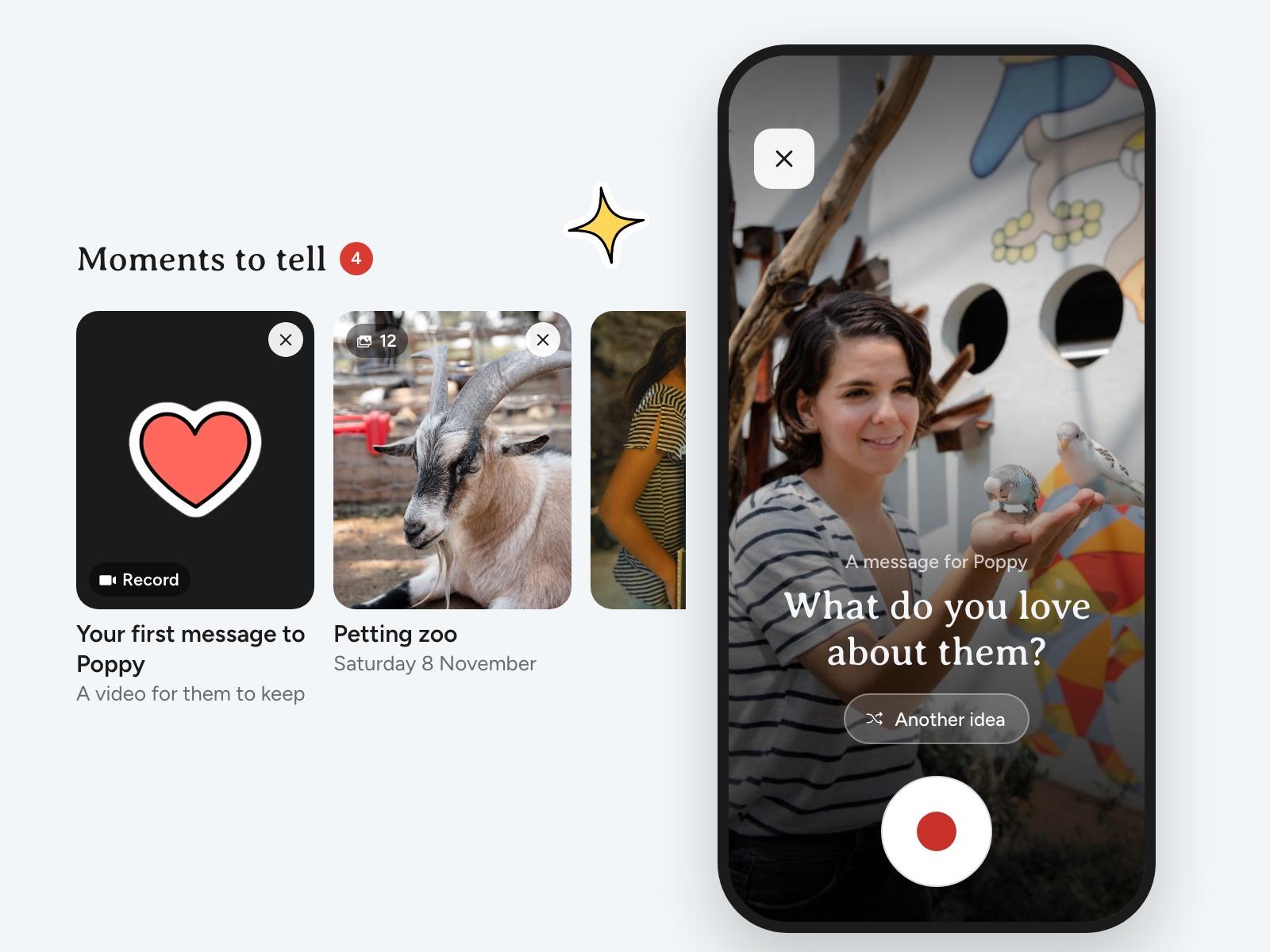
Your first message to them
In your first month in a family, a card in Moments to tell opens the front camera with an idea of what to say, so you can record a video message for your kids to keep.
Also in this release
- Send a moment to another family. If you’re in more than one family, a moment you told can be sent to another of them from its ⋯ menu, with its photos, videos and voices.
- Your moment count, drawn. How many moments your family has made sits in drawn numbers at the top right of home. Tap it to open Settings.
- Pick one drawing. Tap a drawing to cut out just that one from a busy page. The drawing camera now works on paper plates and blackboards too, and cuts the drawing out with a clean white edge.
- Your child’s picture from their face. When you say a face in Who’s this is your child, it becomes their picture if they don’t have one yet.
- See all opens the days. See all in Moments to tell always opens the list of days ready to tell.
- A day still going counts. The new moments count on home now includes a day that was still under way when you last looked.
- Calmer moment lists. Moments no longer carry a dot or a bold title when you haven’t opened them.
- Smoother sheets. Sheets lost their little handle bar, and rise with the keyboard in one smooth motion when you type.
- Fixes. Home keeps your moments on screen if they fail to load, long lines on home’s top card wrap instead of cutting off, and your own letter shows as one letter.
Update HeyBub from the App Store to get the latest.